Hedgehog IT

Unlock Productivity with Microsoft 365 Copilot

29th January 2025

Microoft Copilot logo

Microsoft 365 Copilot is an AI-powered assistant that integrates seamlessly with your Microsoft 365 apps, transforming the way you work. It can help you work faster, smarter and more efficiently by automating routine tasks, enhancing collaboration and providing data-driven insights, helping you to work more efficiently.

Key Benefits of Microsoft 365 Copilot include:

  1. Boosted Efficiency: Automate repetitive tasks, freeing up time for strategic work.
  2. Enhanced Communication: Improve team collaboration using AI-driven insights within Microsoft Teams.
  3. Simplified Data Management: Leverage Copilot’s advanced data tools in Excel for actionable insights.
  4. Optimize Workflows: Streamline operations by automating business processes.
  5. Fuel Creativity: AI-assisted drafting and design in Word and PowerPoint to create high-quality content.
  6. Custom Automations: Develop tailored workflows in Microsoft Power Platform to reduce manual effort.

Preparing for Copilot

To get the most out of Copilot, we need to ensure your data is organized within Microsoft 365 and appropriate permissions are set to protect sensitive information & data.

We simplify the integration process by first discussing and assessing your needs. We then prepare a plan for implementing a customised roll-out solution designed to fit your organisations requirements. Finally, our ongoing support ensures a smooth transition and continuing success with Copilot.

Ready to step forward?

Learn how Microsoft 365 Copilot can revolutionize your organisation’s workflows and boost productivity, by reaching out to speak with one of our Copilot implementation technicians and scheduling a call.

Post Tag icon Microsoft 

Say Goodbye to Passwords and hello to, “Window’s Hello”

19th January 2025

Window's Hello branding

Do you wish you could say goodbye to remembering passwords for good?
That’s the goal of Windows Hello!

Microsoft’s biometric sign-in feature is designed to let you log in to your Windows 11 devices quickly and securely with just a glance or a touch. What’s more, Windows Hello is getting a big update that not only brings a fresh look but also improves security – making it ideal for busy business office environments and business.

If you haven’t used it yet, Windows Hello allows you to skip traditional passwords and sign in using:

  • Facial recognition
  • Your fingerprint
  • Or a simple PIN number

This results in faster, more secure, instant access to your PC and less hassle overall.

For businesses, Windows Hello is a game changer, letting employees securely log into their devices and apps without the risk of weak or reused passwords. The update will enhance Windows Hello’s design, making it more cohesive with the modern feel of Windows 11 and the entire sign-in experience will be smoother, whether you’re logging into your computer or accessing the Microsoft Store.

Microsoft is also making it easier to use passkeys, another secure, password-free login method. With the new passkey experience in Windows Hello, you can seamlessly switch between your preferred sign-in methods across devices! The updates are still in testing but should be available later in 2025.

If you’re not yet using Windows Hello or are interested in exploring its implementation, Hedgehog IT can assist with configuring your systems for seamless integration. Get in touch to discuss how we can help set up Windows Hello in your office or workplace.

Post Tag icon Microsoft Security Windows 

‘New Outlook’ coming to all Windows 10 systems next month

11th January 2025

Windows 10 operating system logo

Microsoft is getting ready to install the new Outlook email app automatically on Windows 10 systems as part of next month’s security update. The installation affects all Microsoft 365 app users.

‘New Outlook’ will sit alongside classic Outlook without changing any of your settings or preferences. Though there is no way to prevent the install on Windows 10; if you install the optional update coming on 28th January, the new Outlook app will be added to your system – but if you install the later 11th February security update, it’ll be installed automatically.


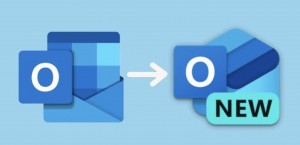
Classic and New Outlook app icons
Microsoft’s classic Outlook and ‘New Outlook’ email app icons

Microsoft stated:

“New Outlook exists as an installed app on the device. For instance, it can be found in the Apps section of the Start Menu. It does not replace existing (classic) Outlook or change any configurations / user defaults. Both (classic) Outlook and New Outlook for Windows can run side by side.

Currently, there isn’t a way to block the new Outlook from being installed – if you prefer not to have new Outlook show up on your organization’s devices, you can remove it after it’s installed as part of the update,”

If you do wish to remove it, this can be done uing Windows PowerShell to uninstall the app after it’s been installed.

The first preview version of the new Outlook for Windows launched in May 2022. It became available for personal accounts in September 2023 (through the 26th September Windows ‘Fall’ Update and the Microsoft Store on Windows 11) and a little later for commercial users in August 2024.

Post Tag icon 365 Windows Updates 

Dell Simplifies PC Lineup with Fruity’ New Naming System

8th January 2025

Dell

Dell is changing how it names its laptops and desktops to make it easier for customers to understand their options. Instead of using familiar product names, Dell is introducing a simpler system that groups its PCs into three main categories:

Dell – For everyday tasks like school, work, and entertainment.
Dell Pro – Designed for business and professional use.
Dell Pro Max – Built for high-performance tasks and demanding applications.

Each category, further has three subcategories:

Base – Entry-level models.
Plus – Mid-range options with better performance.
Premium – High-end models with top features and design.

Dell's new naming convention computer systems grid

Dell announced the changes at CES 2025 as part of a broader refresh of its PC lineup, which includes new hardware, designs, and AI-powered features. The goal is to make buying a Dell PC simpler, especially for new customers. Quite how its exiting user base will respond is unclear.

The new naming system however, has sparked controversy as it closely resembles Apple’s branding, which uses “Pro” and “Pro Max” to diffrentiate between it’s higher-end models of iPhone. Critics have accused Dell of copying Apple, but Dell executives argue that these terms are “not owned by anyone” and commonly used across the industry. They also claim the change was based on extensive customer research of “more than 10,000 individuals”.

Notably, Dell’s Alienware gaming lineup will keep its current naming and is not affected by the rebranding.

Post Tag icon Apple Dell Industry News 

Microsoft 365 is changing, to Microsoft 365 Copilot!

18th December 2024

Microsoft is set to revamp its Microsoft 365 app early next year.

First up, a new name, introducing “Microsoft 365 Copilot”, along with a freshed icon design and a re-designed app layout as part of a major rebrand to enhance AI integration and user experience.

Microsoft 365 » Microsoft 365 Copilot iconography

Key UI Changes noted:

- Header Removal: The top header is set to be eliminated, with tools like user profile, settings, and feedback relocating elsewhere.

- Search: The search box is said to move to the homepage, simplifying access to files across various storage locations.

- App Alignment: All apps are to align now at the top of the left toolbar, and AI features such as Copilot Chat and Copilot Pages will be grouped together to highlight their connection.

- Organisation Logo: Previously in the top header, the organisation logo will no longer be visible within the app.

- Feature Retirements: The “Back” button and “My Day” feature, which provided quick access to calendars and to-do lists, will be removed. Additionally, the “Help me create” feature, introduced in early 2024 for document creation assistance, will be retired. AI-powered document creation will be accessible directly in the Copilot tab.

No admin or user action is required. Rollout of the changes is scheduled to begin mid-January 2025. Find full details about the upcoming changes on the Microsoft blog announcement.

Post Tag icon 365 Microsoft 

Windows 10 to be ‘End of Life’ from October 2025

17th December 2024

Windows 10 operating system logo

Microsoft has announced that Windows 10 will reach “End of Life” status on 14th October 2025. This means no more technical support, security updates, or bug fixes will be provided for Windows 10 by Microsoft after that date. For businesses using Windows 10, it’s time to start planning the switch to Windows 11.

When a system hits End of Life, it becomes more vulnerable to security threats, as hackers target older software. Additionally, new applications may not be compatible with Windows 10, potentially causing slowdowns or crashes.

The transition to Windows 11 need not be daunting however. With a planned and managed upgrade path, your systems and staff can make the migration with relative ease and acting sooner rather than later, long before the deadline comes by. Updating to the newer operating system not only helps keeps your business secure but also helps ensure compliance with data protection laws like GDPR, which require businesses to protect customer data.

If you’re still running Windows 10 systems (or earlier!?), now is the time to start planning for the switch!

We can help you mitigate and navigate the common & complex pitfalls, bumps and hurdles when making such a core system upgrade. Taking your system components/specifications, software requirements and even staff scheduling into account we can produce an upgrade path that works for your budget and your business. Managed and implemented from start to finish; and supported thereafter too!

To discuss upgrading to Windows 11 or the modernisation of your IT, feel free to contact us for a no obligation consultation.

Post Tag icon Microsoft Windows 

Windows 11 Home vs Pro: Which is right for you?

10th October 2024

Microsoft Windows 11 logo

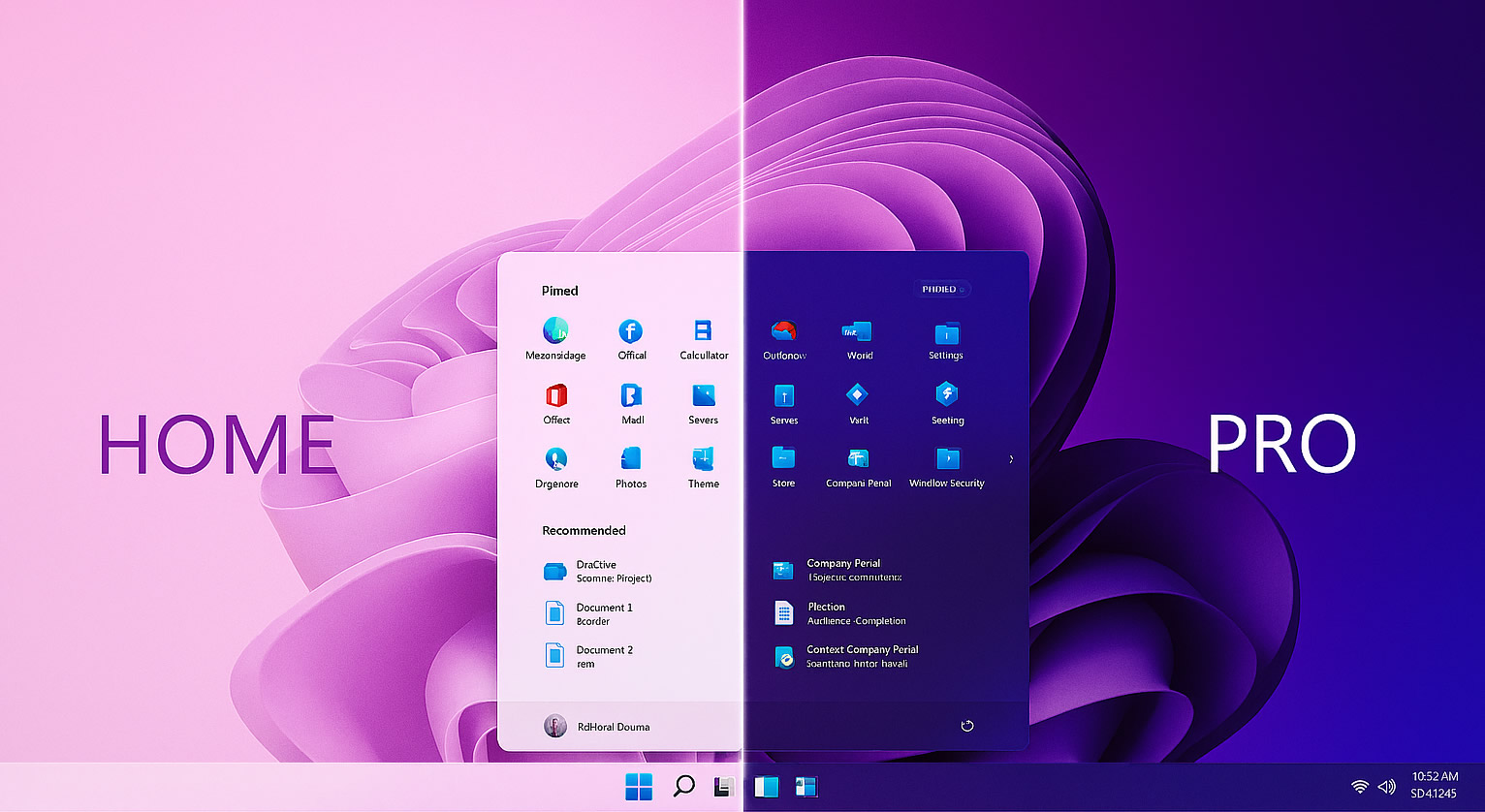
When upgrading to Windows 11, the choice between Home or Pro can be confusing. Both editions share the sleek new design and improvements in performance and security. Pro packs-in additional features for enterprise and administrators on top; but do you need them?

Many business owners assume that Windows 11 Pro is the only “professional” choice – this is not true. Understanding the differences between versions will help you make smarter buying decisions and avoid paying for features you may never use.

In this post, we break down the key differences between Home and Pro to help you decide which version of Windows 11 is right for you…

Windows 11 Home vs Pro

The Basics: What both versions offer

Both Windows 11 Home and Pro share the new design aesthetic, modern interface, with centralised start menu and taskbar, Edge, OneDrive integration, and improved security when compared to Windows 10. Shared key security features include:

- Windows Hello - biometric login for added convenience and security
- BitLocker Device Encryption - protects data on supported hardware
- Secure Boot - blocks malicious code during start-up
- TPM 2.0 - hardware-based encryption
- VBS - to isolate sensitive processes and help prevent malware attacks

For most small businesses using email, office applications, video calling, and cloud storage, Windows 11 Home is more than enough. It’s secure, reliable, and perfectly suited for standalone or cloud-connected PCs.

The Extras: What Windows 11 Pro adds

Windows 11 Pro shines in larger, managed or networked environments where numerous devices, remote access, centralised deployment, user administration and finely tuned system control are essential. Pro-only features include:

- Full BitLocker Drive Encryption - complete protection if a device is lost or stolen
- Group Policy & Active Directory - centralised control over settings and permissions
- Remote Desktop Host - direct remote access to a Pro machine
- Hyper-V Virtualisation - run multiple operating systems or test environments
- Windows Update for Business - control update rollouts for stability
- Azure AD & Intune Support - seamless integration with Microsoft 365 Business for identity and device management

These features are invaluable for businesses with server scenarios, hybrid networks or formal IT infrastructure. For smaller setups, they often add complexity without any real benefits or worse; go completely unused altogether.

TLDR;

If your business uses a handful of PC’s with NAS or Cloud Storage (Dropbox, Microsoft 365, etc) for synchronisation and collaboration, data sharing, etc, Windows 11 Home will likely fulfil all of your requirements. – all without paying for enterprise-level tools you may not need and in many cases can’t even use (not without significant investment in a networked or server environment).

Need more clarity?

As an MSP, Hedgehog IT guides and advises clients only after discussing both your current and future plans; helping businesses review their requirements and make the technology decisions that are right for them.

If you expect to scale to circa 20 systems, integrate servers or wish to manage devices centrally, Windows 11 Pro is a worthwhile investment (and often a necessity). Otherwise, don’t feel pressured to stump up for Pro – Windows 11 Home is still a professional-grade OS, ideal for small to medium sized businesses with no server-environment plans, smaller teams, independent and WFH users.

Whether you’re adding new, upgrading older systems, or building a managed network infrastructure for your business, our team can take care of all the setup, integration, and support needed (including how to make the most of your existing tech), so you can focus on running your business.

Contact us for expert advice. We’d be happy to help.

Microsoft Partner badge

Post Tag icon Microsoft PC Tips & Tricks Windows 

Work From Anywhere – Enabling Secure Remote Access

2nd July 2024

Making Remote Working Work, for Your Business

Remote and hybrid working have become part of everyday life for many businesses. Whether your team is fully remote or splits time between home and the office, giving staff the flexibility to work from anywhere can make a real difference to how your business runs.

For many small and medium-sized enterprises, remote working isn’t just about convenience; it’s about staying competitive. The right setup can help you attract and retain great people, keep productivity high, and create a more resilient business that can adapt to change.

The Benefits of Remote Working

Attract and retain talent: Flexible working is now one of the most requested employee benefits. Offering it can help you stand out as an employer of choice and reduce staff turnover.

Boost productivity and focus: When set up properly, remote work can help staff manage their time better and reduce distractions, leading to improved output and satisfaction.

Reduce overheads: With fewer people in the office every day, you may be able to cut back on space, utilities, and travel costs – freeing up budget for other priorities.

Business continuity: A well-designed remote working setup ensures your business can keep running smoothly even when unexpected events disrupt normal business operations.

The Common Pitfalls …and How to Avoid Them

While the benefits are clear, there are also challenges to watch out for. Poorly configured or under-powered systems, slow or flakey connections and weak IT security can all lead to frustration or even data risks. It’s also easy for staff to feel disconnected if communication tools and expectations aren’t managed properly.

These issues are avoidable with the right structure in place. Secure access to company systems, reliable collaboration tools, and clear policies help maintain both efficiency and trust. The goal is to make remote working feel seamless for your team—safe, simple, and productive.

What Can We Offer?

Hedgehog IT helps businesses set up and manage secure, reliable remote working environments that support both flexibility and performance. We look at your current systems, understand how your team works, and design a solution & setup that fits your business; whether that means remote desktops, cloud tools, or stronger access controls.

Our approach focuses on keeping things straightforward: enable staff and colleagues to work confidently from anywhere, while ensuring your business data stays protected and policy-compliant.

Remote working isn’t just a passing trend—it’s a smarter, more adaptable way of running your business.

With the right setup, you can give your team the freedom to work flexibly, strengthen your security, and make operations more resilient for the future. If you’d like to explore how to make remote or hybrid working a smooth part of your business, get in touch – we can discuss your current situation and potential next steps.

Post Tag icon How To... PC Tips & Tricks 

OneDrive for Business gets Copilot smarts and a new look

30th May 2024

Microoft 365 logo icon

Microsoft is updating OneDrive for Business with a refreshed user interface, Copilot AI support, and slurry of new admin tools to enhance file access and security coming later this year.

Some of the key updates include, a redesigned OneDrive home experience, new views for meetings and shared files, and improved file-sharing options. Users will be able to open files in Office desktop apps, use an updated OneDrive Files app in Teams, and access a OneDrive app in Outlook too – for Windows and Web.

Copilot AI will also integrate heavily with OneDrive, helping users manage and organize files through natural language commands. However, Microsoft have noted that the full functionality of this integration will develop over time and of course, a 365 Copilot license will be required to utilise the new AI capabilities.

Post Tag icon 365 Microsoft 

Windows on ARM advances with the Snapdragon X Elite

25th March 2024

Microsoft logo

Microsoft is making significant progress with Windows on ARM, launching a wave of new laptops powered by Qualcomm’s Snapdragon X Elite processors later this year. The devices deliver faster performance, longer battery life and improved app compatibility; addressing some of the key challenges that previously held back ARM-based Windows PCs. With these improvements, Microsoft is positioning Windows on ARM as a serious competitor to Apple’s M-series chip based systems.

Better Performance and Efficiency

The Snapdragon X Elite processors are built on a 4nm process, feature up to 12 high-performance CPU cores and a integrated GPU’s designed to handle intensive workloads while consuming less power. Microsoft is claiming the ARM-based laptops can match or even outperform Intel and AMD chips in specific tasks while offering multi-day battery life – something Apple’s ARM-based MacBooks are known for.

Improved Software and App Compatibility

One of the biggest hurdles for Windows on ARM has been software compatibility. In the past, many Windows applications required emulation, which led to slower performance. However, Microsoft has been working to improve native ARM64 app support and enhance x86/x64 emulation, ensuring smoother performance for a wider range of applications.

Major software developers, including Adobe and Google are optimizing their apps for ARM, making programs like Photoshop and Chrome run natively. Additionally, Microsoft is integrating AI-powered features into Windows 11, leveraging the Snapdragon’s NPU (Neural Processing Unit) for faster AI-driven tasks (such as photo editing, real-time translations, and voice assistance).

A New Challenger Enters…

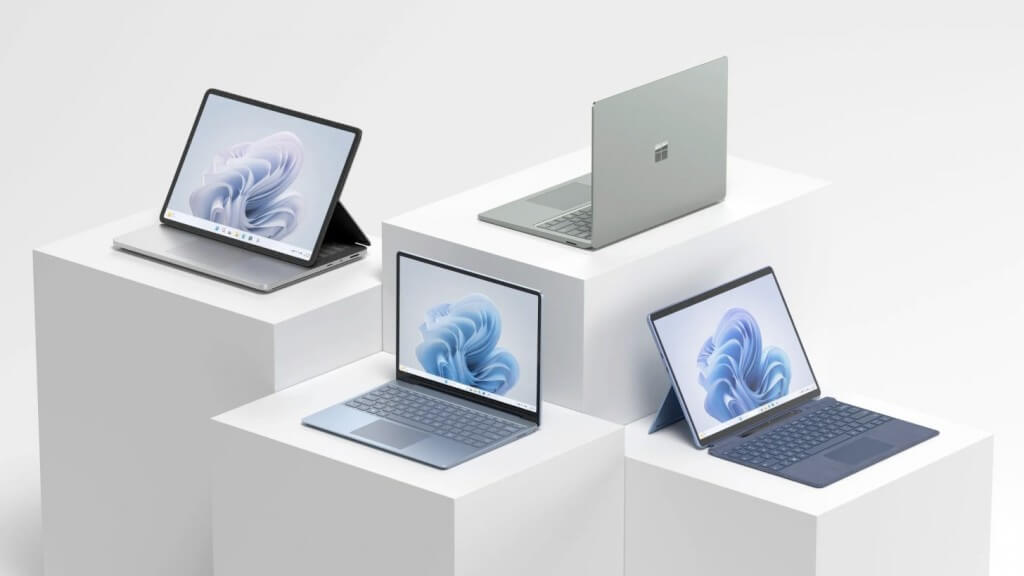
Surface Pro 10 and Surface Laptop 6

Apple’s M-series chips have set the benchmark for ARM-powered laptops, combining high efficiency with strong performance. With Snapdragon X Elite-powered Windows devices, Microsoft is aiming to close the gap, providing users with ultra-light, long-lasting, and high-performance Windows laptops.

The continued partnership with Qualcomm suggests that Windows on ARM is no longer just an experiment – it’s becoming a viable alternative to traditional x86 PC’s.

Post Tag icon AMD Apple Industry News Intel Microsoft Surface