
Windows 11 Home vs Pro: Which is right for you?
10th October 2024

When upgrading to Windows 11, the choice between Home or Pro can be confusing. Both editions share the sleek new design and improvements in performance and security. Pro packs-in additional features for enterprise and administrators on top; but do you need them?
Many business owners assume that Windows 11 Pro is the only “professional” choice – this is not true. Understanding the differences between versions will help you make smarter buying decisions and avoid paying for features you may never use.
In this post, we break down the key differences between Home and Pro to help you decide which version of Windows 11 is right for you…
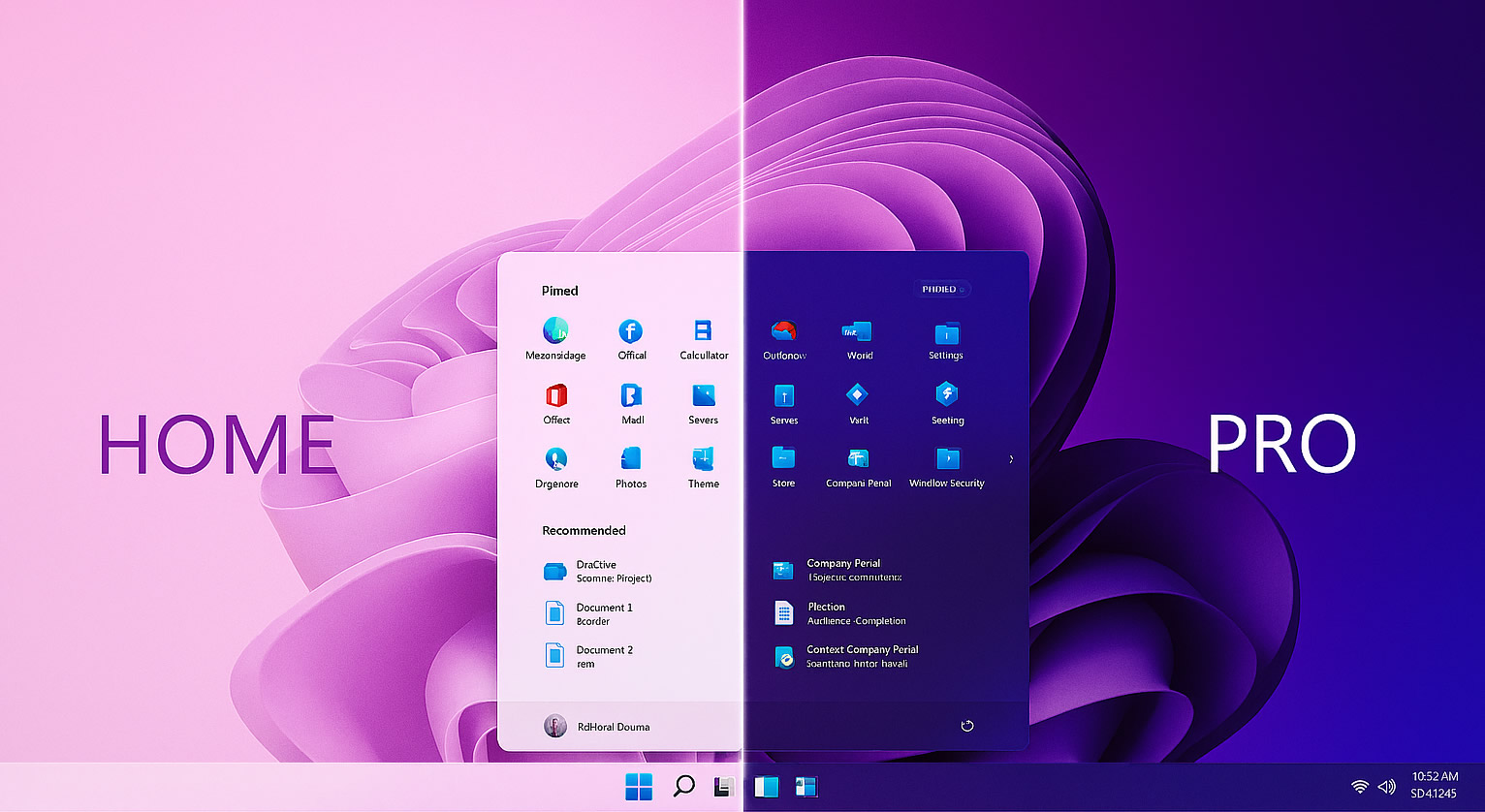
The Basics: What both versions offer
Both Windows 11 Home and Pro share the new design aesthetic, modern interface, with centralised start menu and taskbar, Edge, OneDrive integration, and improved security when compared to Windows 10. Shared key security features include:
- Windows Hello - biometric login for added convenience and security
- BitLocker Device Encryption - protects data on supported hardware
- Secure Boot - blocks malicious code during start-up
- TPM 2.0 - hardware-based encryption
- VBS - to isolate sensitive processes and help prevent malware attacks
For most small businesses using email, office applications, video calling, and cloud storage, Windows 11 Home is more than enough. It’s secure, reliable, and perfectly suited for standalone or cloud-connected PCs.
The Extras: What Windows 11 Pro adds
Windows 11 Pro shines in larger, managed or networked environments where numerous devices, remote access, centralised deployment, user administration and finely tuned system control are essential. Pro-only features include:
- Full BitLocker Drive Encryption - complete protection if a device is lost or stolen
- Group Policy & Active Directory - centralised control over settings and permissions
- Remote Desktop Host - direct remote access to a Pro machine
- Hyper-V Virtualisation - run multiple operating systems or test environments
- Windows Update for Business - control update rollouts for stability
- Azure AD & Intune Support - seamless integration with Microsoft 365 Business for identity and device management
These features are invaluable for businesses with server scenarios, hybrid networks or formal IT infrastructure. For smaller setups, they often add complexity without any real benefits or worse; go completely unused altogether.
TLDR;
If your business uses a handful of PC’s with NAS or Cloud Storage (Dropbox, Microsoft 365, etc) for synchronisation and collaboration, data sharing, etc, Windows 11 Home will likely fulfil all of your requirements. – all without paying for enterprise-level tools you may not need and in many cases can’t even use (not without significant investment in a networked or server environment).
Need more clarity?
As an MSP, Hedgehog IT guides and advises clients only after discussing both your current and future plans; helping businesses review their requirements and make the technology decisions that are right for them.
If you expect to scale to circa 20 systems, integrate servers or wish to manage devices centrally, Windows 11 Pro is a worthwhile investment (and often a necessity). Otherwise, don’t feel pressured to stump up for Pro – Windows 11 Home is still a professional-grade OS, ideal for small to medium sized businesses with no server-environment plans, smaller teams, independent and WFH users.
Whether you’re adding new, upgrading older systems, or building a managed network infrastructure for your business, our team can take care of all the setup, integration, and support needed (including how to make the most of your existing tech), so you can focus on running your business.
Contact us for expert advice. We’d be happy to help.

 No Fix - No Fee Policy
 Free Network Evaluation