
Bringing Microsoft Copilot into Your Business: A Guide to Smarter, Secure AI
9th June 2025

Artificial Intelligence has quickly become part of the everyday tools we use. No longer a futuristic concept, but something that’s already in Windows and Microsoft 365, today.
For small and medium-sized businesses this means you can now benefit from AI-powered productivity, communication and automation tools that are already built into the software you already use.
What’s new in Microsoft’s AI ecosystem and more importantly, how can you use it effectively without overwhelming your team.
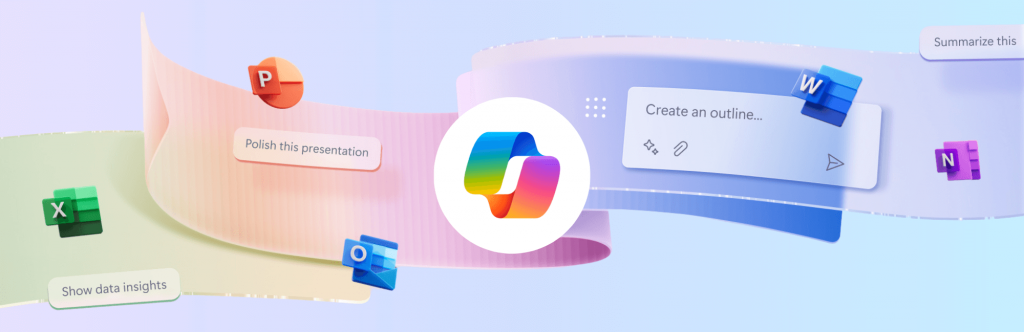
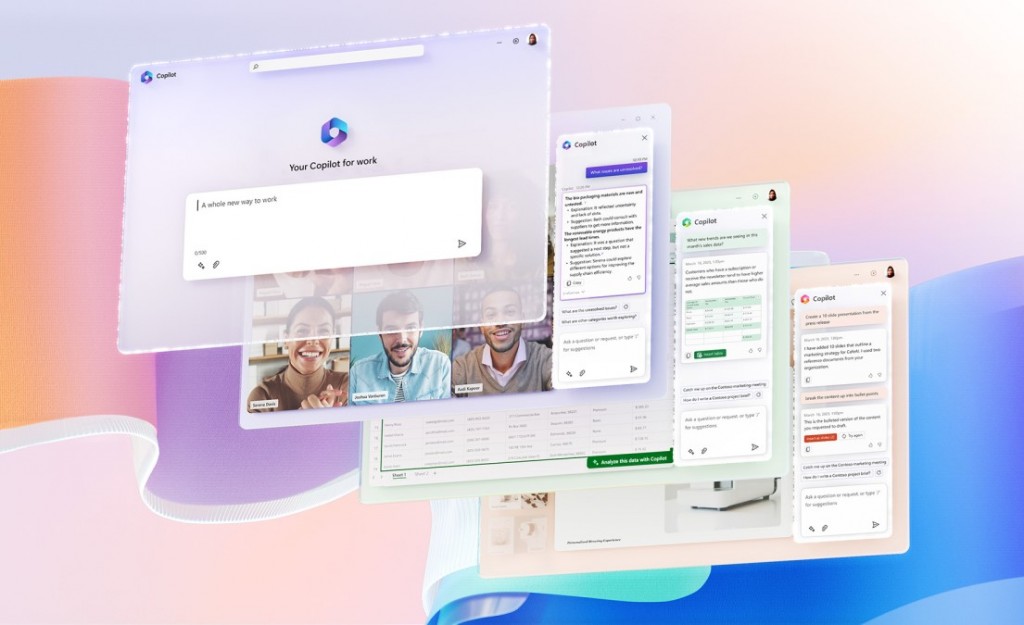
The biggest change across Microsoft’s product line is the deep integration of Copilot (Microsoft’s generative AI assistant) across Word, Excel, Outlook, Teams, PowerPoint and throughout Windows 11 too.
What can Copilot do:
- In Word: Copilot can draft, summarise, and re-format documents based on your notes or previous files.
- In Excel: it helps analyse trends, generate formulas, and even explain what data means in plain language.
- In Outlook: it summarises long email threads and suggests responses.
- In Teams: it can capture meeting notes, assign actions, and identify follow-up items automatically.
- In PowerPoint: it can turn your notes into polished slides complete with imagery and speaker notes tailored for different length presentations.
Windows 11 packs native AI capabilities across the entire OS, enhancing usability and security. Some of the Windows AI features include:
- Windows Copilot Sidebar: an AI-powered assistant built into your Windows Desktop. It can adjust settings (“Turn on Focus Assist”), summarise web pages, generate text, or integrate with plugins from your business apps.
- AI-powered Search: improved context recognition helps you find settings, files and emails faster than ever before.
- Windows Studio Effects: for Teams and video calls, AI now auto-frames your camera, filters background noise and enhances your lighting automatically.
- Security Intelligence: Defender and Smart App Control use AI to identify new malware patterns, offering better zero-day protection without requiring manual intervention.
How SMEs can use Copilot effectively:
Start small – choose one or two scenarios where staff spend repetitive time (for example, summarising meeting note, creating reports or generating similar documents) and use Copilot to assist or fully handle that workload. It is important though, that you encourage your team to review any AI output and not to just accept it blindly. This approach ensures accuracy and helps maintain your business’s tone, personality and professionalism.
Copilot and Security
As AI tools like Copilot interact with your business data—emails, documents, chats, and more—security and governance are more important than ever. Copilot works with the information each user can access, so it’s vital to ensure staff permissions follow the principle of least privilege: users should only have access to the data they genuinely need. This prevents accidental exposure of sensitive information and keeps your data environment tightly controlled.
Because Copilot operates within Microsoft’s cloud ecosystem, it relies on data being stored in OneDrive or SharePoint. This cloud-based setup brings powerful security capabilities, but it also requires thoughtful planning to align with your organisation’s existing policies and compliance requirements. Taking the time to configure access controls and review data-sharing settings helps ensure that AI is used safely and responsibly.
Many of Copilot’s features depend on the latest versions of Windows 11 and Microsoft 365, so keeping systems up to date is essential for both functionality and security. It’s equally important to educate your team—helping them understand how Copilot works and when not to share sensitive or confidential information in AI prompts. Ideally, your organisation should also have centralised management in place to control device settings, user permissions, and Copilot access consistently across your business. With clear policies, updated systems, and managed access, you can enjoy all the benefits of AI without compromising on security.
Expert Consultancy, Planning and Implementation: Advised
While many of these AI tools feel intuitive to use, they also introduce serious security considerations that shouldn’t be overlooked. Once data moves to the cloud, it’s difficult to undo mistakes, so having the right controls, permissions, and governance in place from the start is essential.
You don’t need to navigate this AI-landscape alone
As a Managed Service Provider and certified Microsoft Partner, Hedgehog IT can help you assess your business’s readiness for Copilot and other AI tools. We’ll ensure your data access and security settings are correctly configured, enable the right features safely, and provide training so your team can use AI effectively. We can also help you measure return on investment to understand where AI is saving time or adding value.
The goal isn’t simply to “switch on” AI – it’s to integrate it thoughtfully into your existing workflows, supporting productivity and security in equal measure.
If you’re curious about how AI could fit into your business, or want to explore where to start, we’d be happy to have a chat. Contact us

 No Fix - No Fee Policy
 Free Network Evaluation